Retro Palette Tool - Advanced Gradient & Color Picker
A downloadable tool
Generate Perfect Retro Palettes Instantly
Retro Palette Tool is an advanced color generation tool designed specifically for pixel artists, game developers, and retro enthusiasts. Create consistent, professional color ramps and extract high-precision palettes from images with an optimized statistical clustering algorithm.
Key Features
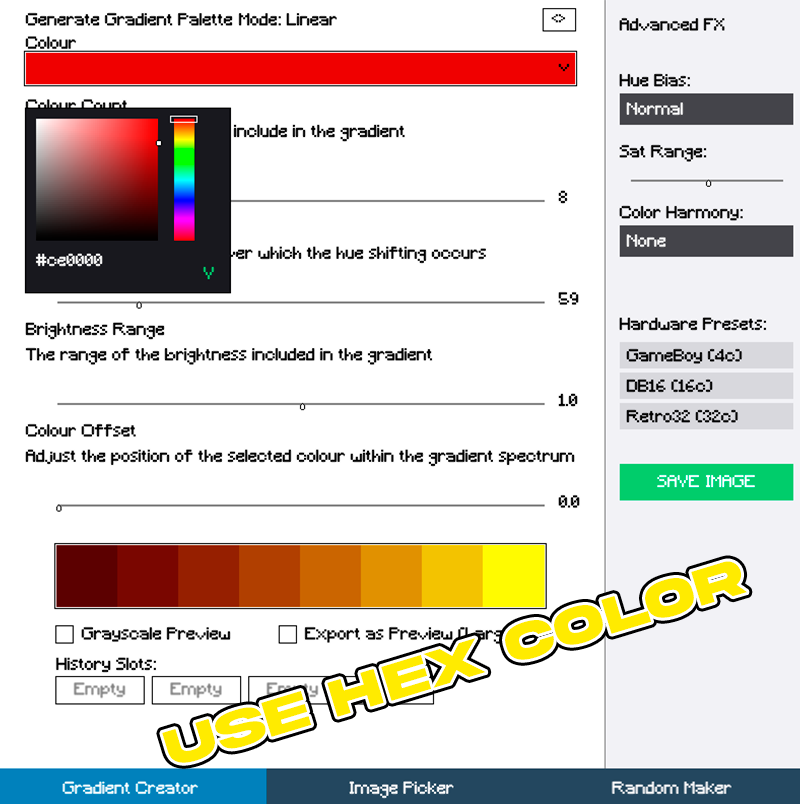
Gradient Creator: Generate clean mathematical color ramps with precise control over Hue Shifting, Brightness Range, and Color Offsets.
Advanced FX Panel: Adjust Hue Bias (Cold Light, Warm Light) and toggle between unique Color Harmonies (Complementary, Analogous, Triadic).
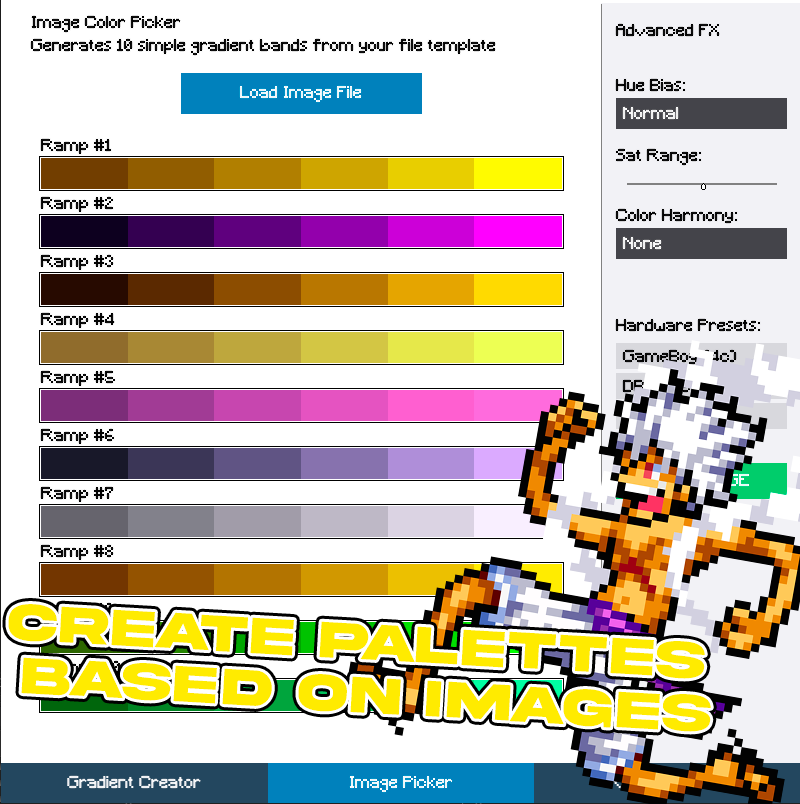
Image Picker (High Precision): Upload any PNG image to analyze and extract the 10 most relevant, vibrant, and consistent color clusters without duplicated tones or compression noise.
Hardware Presets: Instantly lock your color counts into classic retro constraints like GameBoy (4c), DB16 (16c), or Retro32 (32c).
Flexible Exporting: Save your work as pixel-perfect raw data tables (1x1 points per color) or scale them directly into large, ready-to-view image previews (32x32 blocks).
How to Use
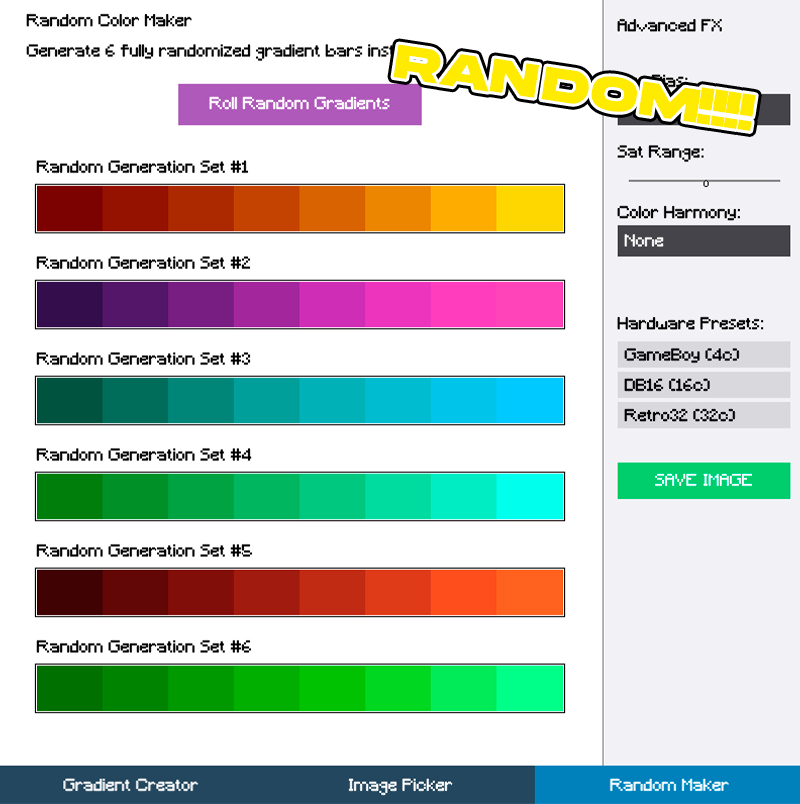
- Select Your Tab: Choose between Gradient Creator, Image Picker, or Random Maker at the bottom navigation bar.
- Tweak the Sliders: Fine-tune your color counts and shading factors.
- Use History Slots: Click on any empty history slot at the bottom to quickly lock down and store your current generation.
- Export: Click the global Save button on the right panel to export your palette as a clean PNG file.
Compatibility and System Requirements
The app runs on Windows operating systems and does not require installation. Just extract the files and open the executable to start generating your palettes. It is lightweight and optimized to run smoothly alongside your favorite pixel art software like Aseprite or Photoshop.
Export Formats
When you click Save, the tool automatically handles the file extension. The exported PNG files are fully compatible with any game engine, including GameMaker, Unity, Godot, and Unreal Engine, as well as digital art programs. Support and Feedback If you find any bugs or have suggestions for new features, please leave a comment below on the itch.io page. Your feedback is essential to help improve the precision and the consistency of the tool.
Download
Click download now to get access to the following files:
Leave a comment
Log in with itch.io to leave a comment.